Best Laptops for Home Use: Top Picks for Every Need and Budget
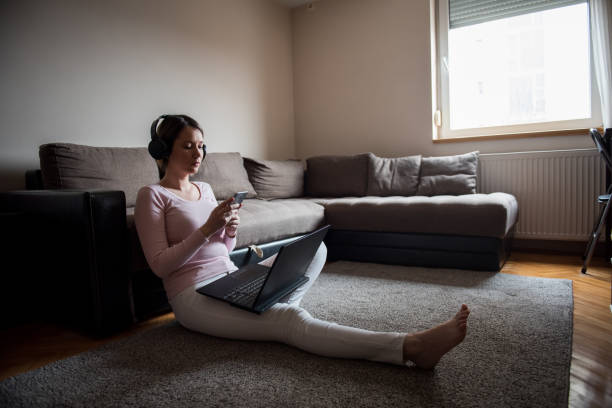
Whether you’re working from home, binge-watching your favorite shows, helping the kids with homework, or just browsing the web, a good home laptop is essential. But with so many models and specs out there, choosing the right one can feel overwhelming.
That’s why we’ve created this in-depth guide to help you find the best laptops for home use based on your needs, preferences, and budget. Whether you’re a casual user, a remote worker, or someone who enjoys a bit of everything, we’ve rounded up the top choices for that offer great performance, value, and versatility.
What Makes a Laptop Ideal for Home Use?
When shopping for a home-use laptop, you don’t necessarily need cutting-edge specs or gaming-level performance. What you do need is a balance of comfort, functionality, and reliability.
Here’s what makes a laptop truly “home-friendly”:
- Ease of use: Simple interface and responsive performance
- Long battery life: So you’re not tethered to a power outlet
- Comfortable screen size: Big enough for multitasking but not unwieldy
- Good speakers and webcam: For Zoom calls, virtual family chats, or movie nights
- Affordable pricing: You don’t need to break the bank
Key Considerations Before You Buy
Usage Needs: Define Your Daily Habits
Ask yourself: What do I really need this laptop to do?
- Web browsing, email & social media: Just about any modern laptop can handle this.
- Streaming movies or YouTube: Look for a full HD or OLED display with good speakers.
- Work & productivity (Docs, Excel, etc.): Aim for at least 8GB of RAM and a decent CPU.
- Photo editing or casual content creation: Consider laptops with more RAM (16GB+) and a stronger processor.
- Video calls and remote work: Webcam quality and a good microphone are key.
Your answer will shape everything from performance specs to screen size.
Operating System: Windows vs macOS vs ChromeOS
Each OS has its pros and cons. Here’s a quick breakdown:
Windows
- Most versatile; supports the widest range of apps and games
- Great options across all budgets
- Can feel bloated or slow on cheaper models
macOS (MacBooks)
- Sleek design, stable performance
- Excellent for creatives and productivity
- Higher price tag
- Less gaming or customizability
ChromeOS (Chromebooks)
- Fast boot, lightweight, secure
- Ideal for basic tasks and students
- Limited offline capabilities and app availability
TL;DR:
Go with Windows for flexibility, macOS for polish, or ChromeOS for simplicity.
Screen Size & Resolution: 13″ vs 15.6″ vs 17″
Your screen is your window into everything you do—choose wisely!
- 13” – 14”: Portable and light. Great for light use or small desks.
- 15.6”: The sweet spot for most home users. Ample screen space, still portable.
- 17”: Fantastic for media, multitasking, or replacing a desktop. Less mobile.
For resolution, Full HD (1920×1080) is a must. Consider OLED displays for rich visuals, especially if you watch a lot of Netflix or edit photos.
Performance Requirements (Processor, RAM, Storage)
Don’t let specs confuse you—here’s what actually matters:
- Processor (CPU):
- Intel i5 / Ryzen 5: Great for everyday tasks
- Intel i7 / Ryzen 7: Needed for editing or heavier multitasking
- RAM:
- 8GB: Minimum for smooth multitasking
- 16GB: Ideal for productivity and creative tasks
- Storage:
- SSD > HDD. Go for at least 256GB SSD (faster, quieter, more reliable)
Battery Life
Even at home, having to charge your laptop constantly can be annoying. Aim for:
- 8+ hours of battery life for basic tasks. Check out MacBook Air or Chromebooks for longer battery life.
- MacBooks and Chromebooks tend to outperform others here
Build Quality and Design
Your laptop should feel durable and look good on your desk. Metal chassis = better build. Look for:
- Sturdy hinge design
- Comfortable keyboard and trackpad
- Lightweight if you move it around the house
Price & Warranty
Set a realistic budget:
- Under $500: Great Chromebooks and basic Windows laptops. See budget options
- $500 – $1000: Solid all-rounders with good specs. Check these out
- $1000+: Premium builds, excellent performance. Explore premium models
Don’t forget warranty coverage. A 1-year standard is typical—extended warranties can be worth it for high-end models.
Ports & Connectivity
Check for essential ports:
- USB-A & USB-C: For devices and future-proofing
- HDMI: Useful for connecting to TVs or monitors
- Headphone jack: Yes, it’s still important!
- Wi-Fi 6 and Bluetooth 5.0+ are nice-to-haves for future compatibility
Best Laptops for Home Use (Updated List)
Here are our top picks, each tailored to a different need and budget:
1. Best Overall Laptop for Home Use
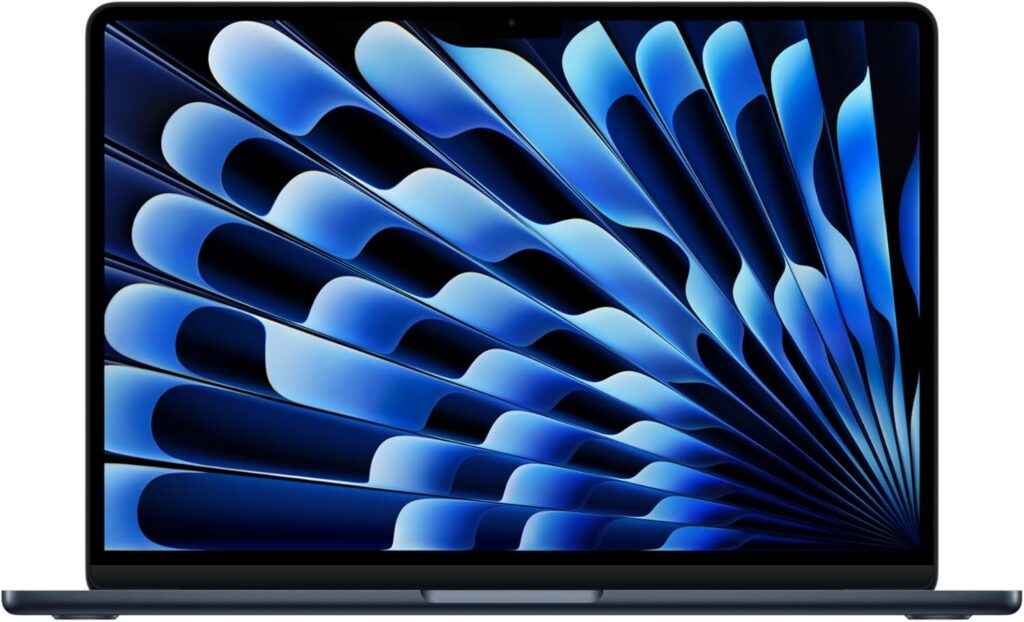
Specs:
- Apple M4 chip
- 13.6″ Liquid Retina Display
- 16GB or 24GB RAM
- 256GB or 512GB SSD
- Up to 18 hours battery life
Pros:
- Blazing fast performance
- Silent, fanless design
- Long-lasting battery
- Beautiful display
Cons:
- Pricey for basic users
- Limited ports
Why It’s the Best Overall:
The M4 MacBook Air is nearly perfect for home use: powerful, sleek, and energy-efficient. Whether you’re working, FaceTiming family, or streaming shows, it handles it all smoothly. It’s a bit of an investment, but it’s built to last for years.
2. Best Budget Laptop for Home Use
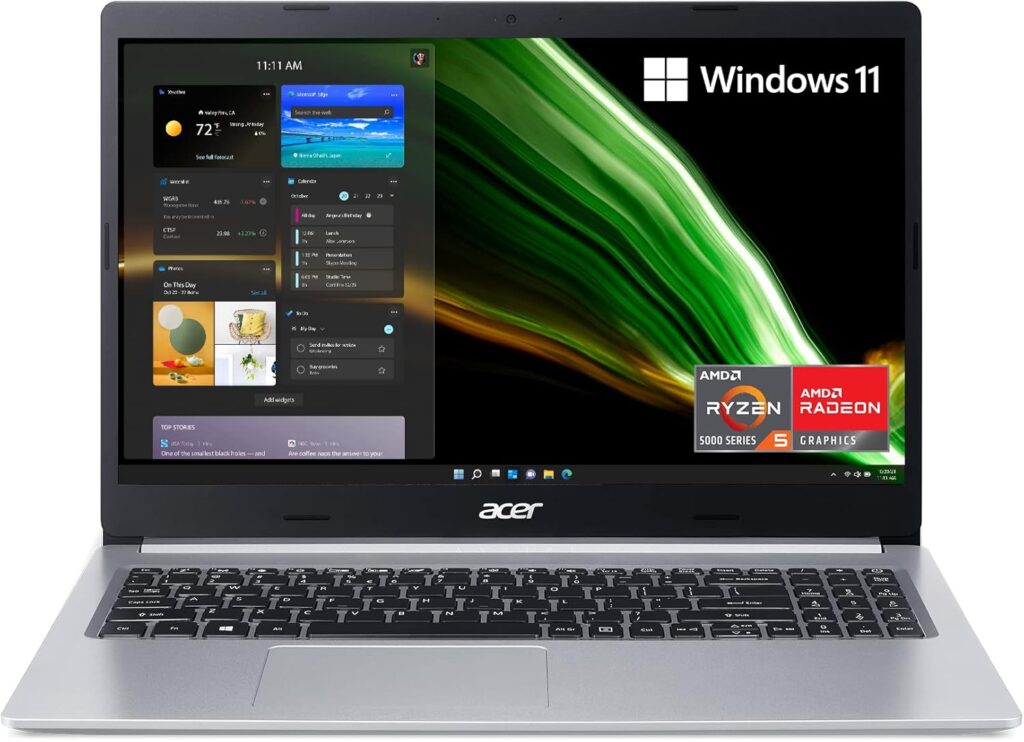
Acer Aspire 5 (2025, AMD Ryzen 5)
Specs:
- AMD Ryzen 5 7530U
- 15.6″ Full HD display
- 8GB RAM, 512GB SSD
- Wi-Fi 6, USB-C
Pros:
- Excellent performance for the price
- Full keyboard with numpad
- Plenty of ports
- Solid build quality
Cons:
- Average speakers
- Battery life could be better
Why We Love It:
If you’re on a budget but don’t want to compromise on performance, the Aspire 5 is a fantastic choice. It’s great for multitasking, streaming, and even light editing.
3. Best Laptop for Entertainment & Streaming
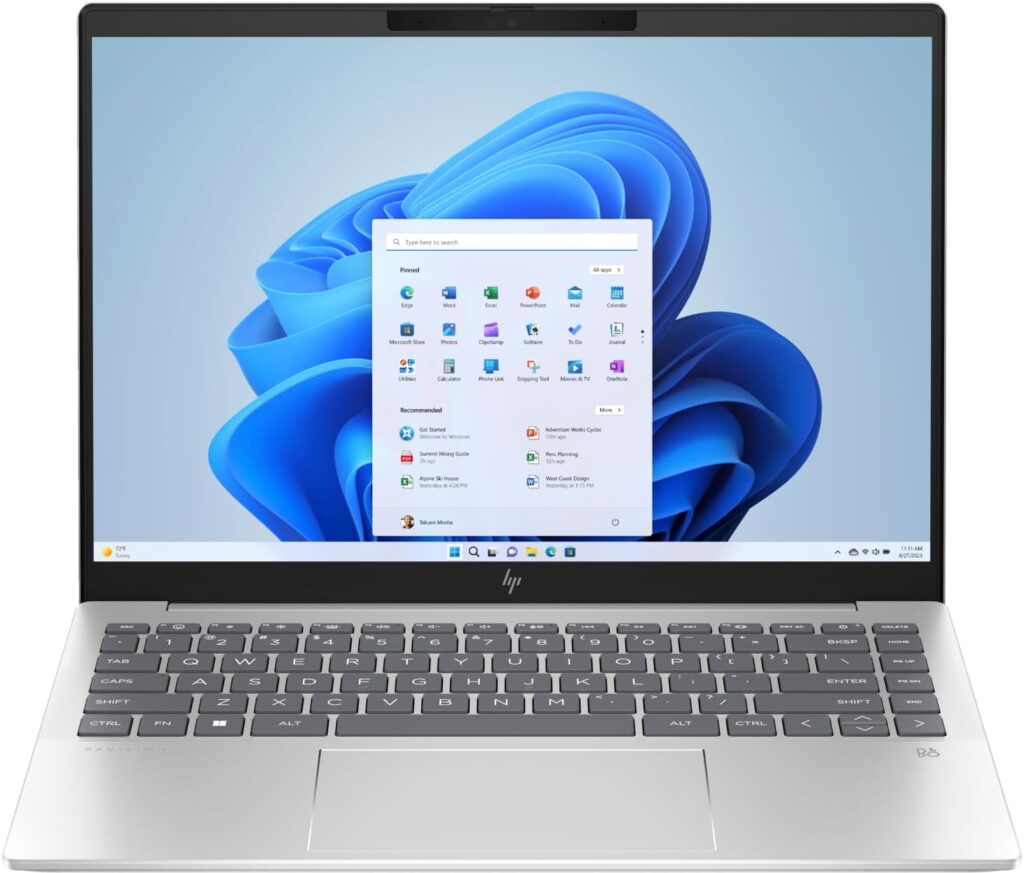
HP Pavilion Plus 14 (2024, OLED Display)
Specs:
- Intel Core i7-1355U
- 14″ 2.8K OLED display
- 16GB RAM, 512GB SSD
- B&O speakers
Pros:
- Gorgeous OLED display
- Premium audio
- Sleek design
- Good overall performance
Cons:
- On the pricier side
- Battery life is decent, not amazing
Why It Rocks:
This laptop turns your living room into a mini theater. The HP Pavilion Plus 14 offers vibrant colors and deep blacks—perfect for movie nights or creative projects.
4. Best Laptop for Remote Work or Study
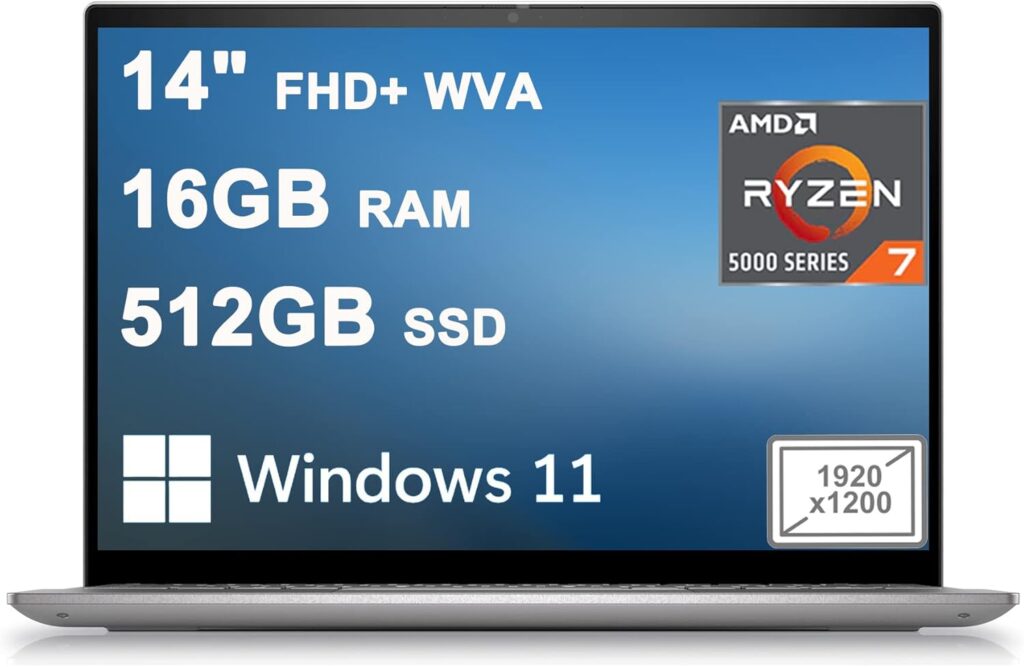
Specs:
- Intel Core i5-1335U
- 14″ Full HD display
- 16GB RAM, 512GB SSD
- Integrated webcam shutter
Pros:
- Reliable performance
- Great webcam & microphone
- Lightweight and portable
- Reasonably priced
Cons:
- Design is a bit plain
- Not ideal for gaming or heavy editing
Why It’s Ideal:
It hits the sweet spot between performance and value. Perfect for Zoom meetings, document work, and light multitasking.
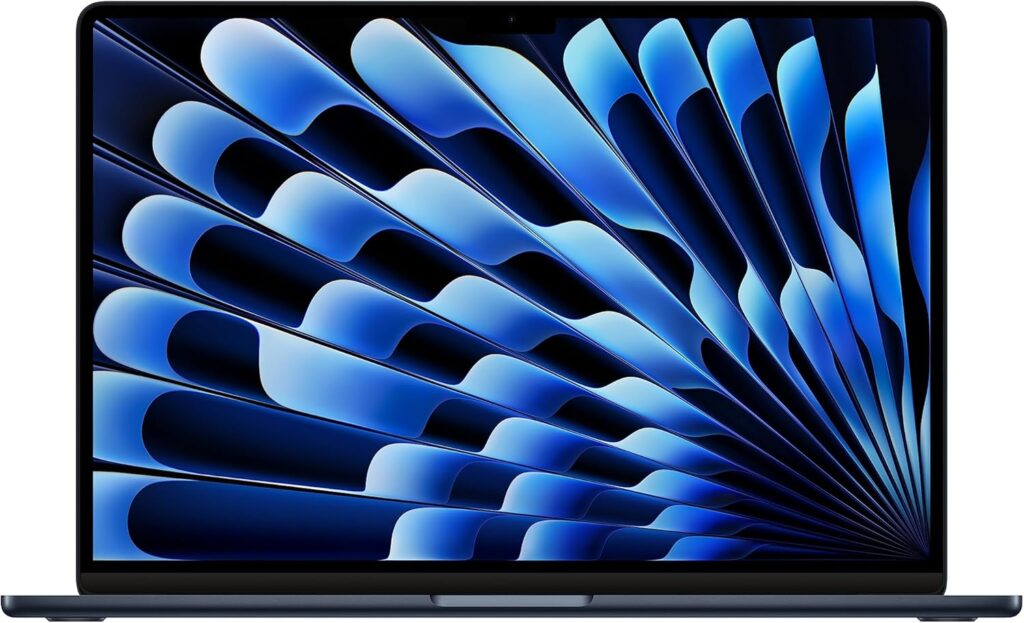
5. Best MacBook for Home Users
Specs:
- Apple M2 chip
- 13.6″ Retina Display
- 8GB RAM, 256GB SSD
Pros:
- Silent operation
- Exceptional battery life
- Great keyboard and build
Cons:
- M3 is now available
- Limited upgradability
Why It’s Still Relevant:
If the M4 MacBook Air is out of your budget, the M2 version is still a powerhouse. It’s perfect for anyone already in the Apple ecosystem.
6. Best Chromebook for Casual Use
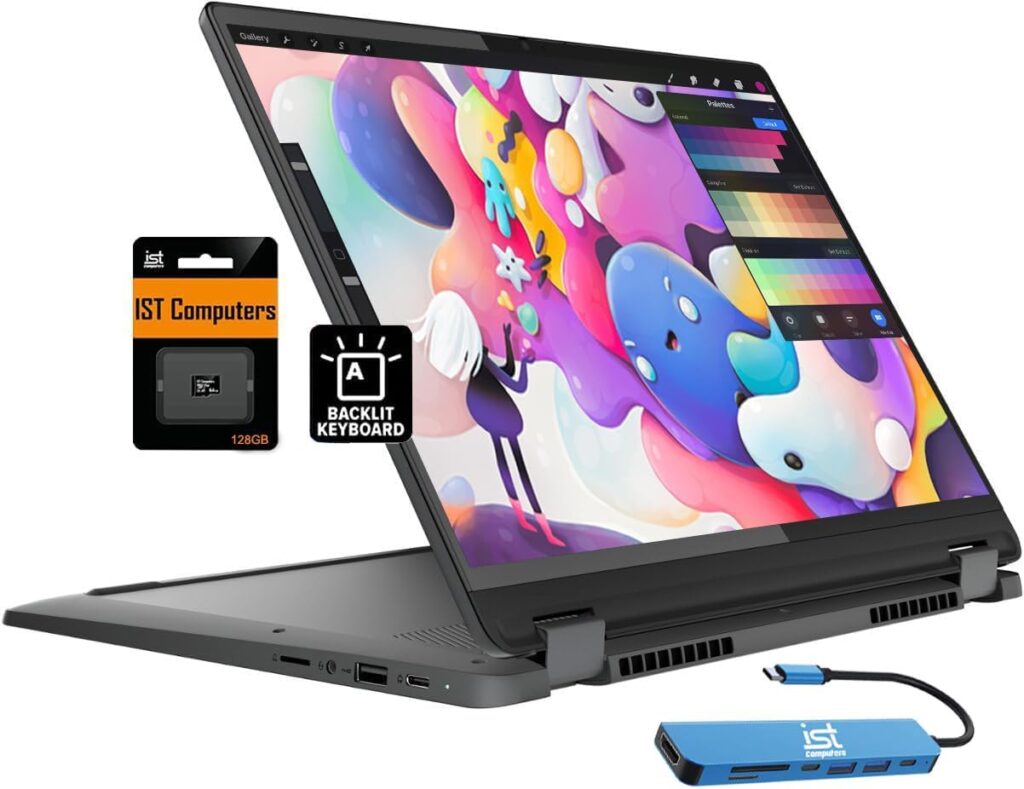
Lenovo Flex 5i Chromebook (2024)
Specs:
- Intel Core i3-N305
- 13.3″ Full HD touchscreen
- 8GB RAM, 128GB eMMC
- 2-in-1 convertible design
Pros:
- Affordable and fast
- Touchscreen + tablet mode
- ChromeOS is secure and simple
Cons:
- Not ideal for offline use
- Limited storage
Best For:
Web browsing, email, streaming, and Google Docs. Perfect for seniors, students, or anyone who wants simplicity.
Who Should Avoid High-End Laptops?
High-end laptops are tempting, but not always necessary. You might not need one if:
- You only browse, stream, or email
- You’re not editing videos or gaming
- You have a tight budget
Save your money and go for a mid-range or budget laptop—you’ll get everything you need without overspending.
Expert Tips for Getting the Best Deal
- Buy during seasonal sales – Think Black Friday, Back to School, Prime Day
- Refurbished = smart savings – Especially for MacBooks
- Student & educator discounts – Available from Apple, Dell, HP, and more
- Sign up for deal alerts – Retailers often offer exclusive email discounts
- Check for bundled software or accessories
Conclusion
Choosing the right laptop for home use depends on your specific needs—but with the options listed above, there’s truly something for everyone.
Quick Recap:
- Best Overall: MacBook Air M4 (2025)
- Best Budget: Acer Aspire 5 (2025)
- Best for Streaming: HP Pavilion Plus 14
- Best for Work/Study: Dell Inspiron 14 5000
- Best MacBook Value: MacBook Air M2
- Best Chromebook: Lenovo Flex 5i
Before you buy, take a moment to consider your usage, budget, and preferences. You’ll be much happier with a laptop that fits your lifestyle.
Looking for more tech tips and buying guides?
Subscribe to our newsletter for weekly recommendations and exclusive discounts.
Got a question? Leave a comment below—we love helping our readers make informed choices!
We may earn from qualifying purchases from Amazon. Learn more here.